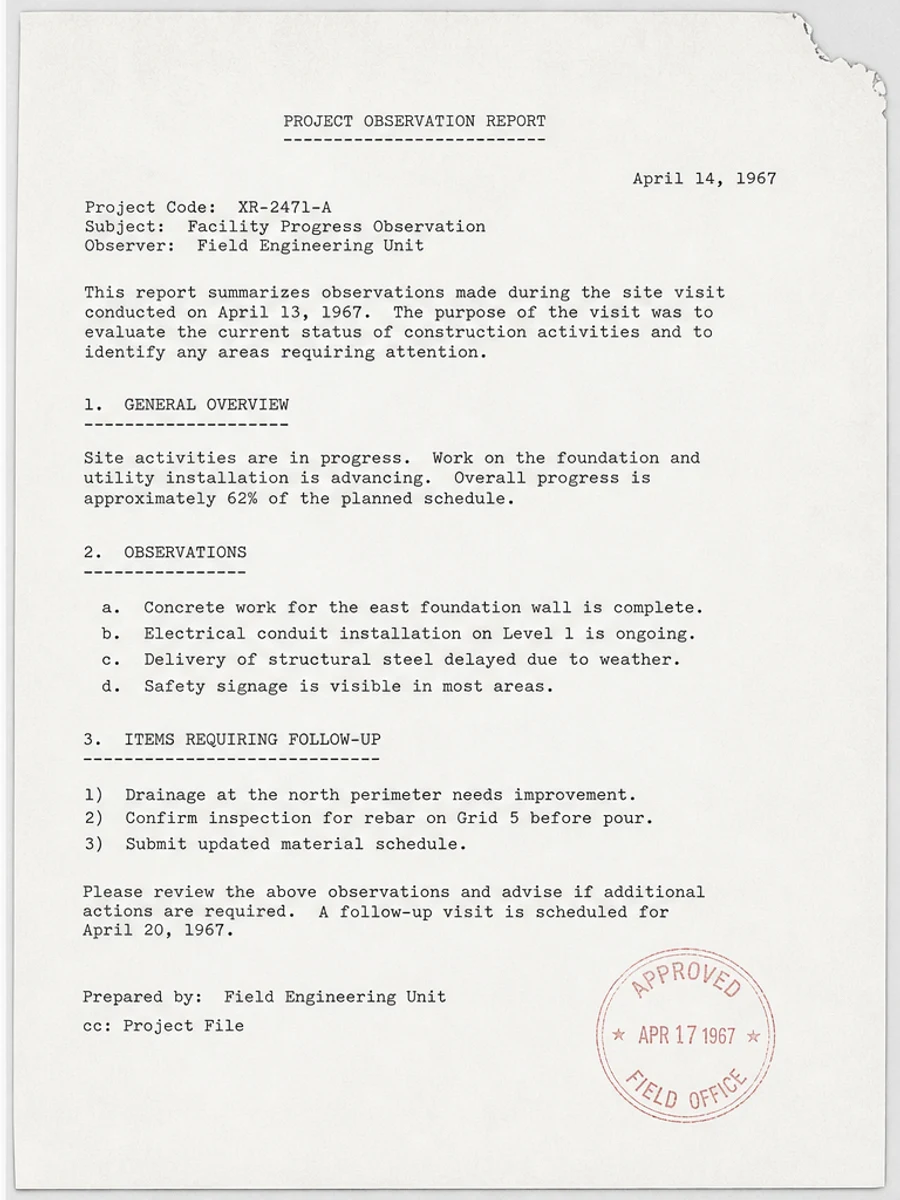
How to make a scanned PDF easier to read
Diagnose faded text, gray backgrounds, phone shadows, and low contrast scans before choosing rescan, visual cleanup, or OCR.
Blog
Practical tutorials for scanned PDF cleanup, visual readability, OCR preparation, and choosing the right workflow.
Diagnose faded text, gray backgrounds, phone shadows, and low contrast scans before choosing rescan, visual cleanup, or OCR.
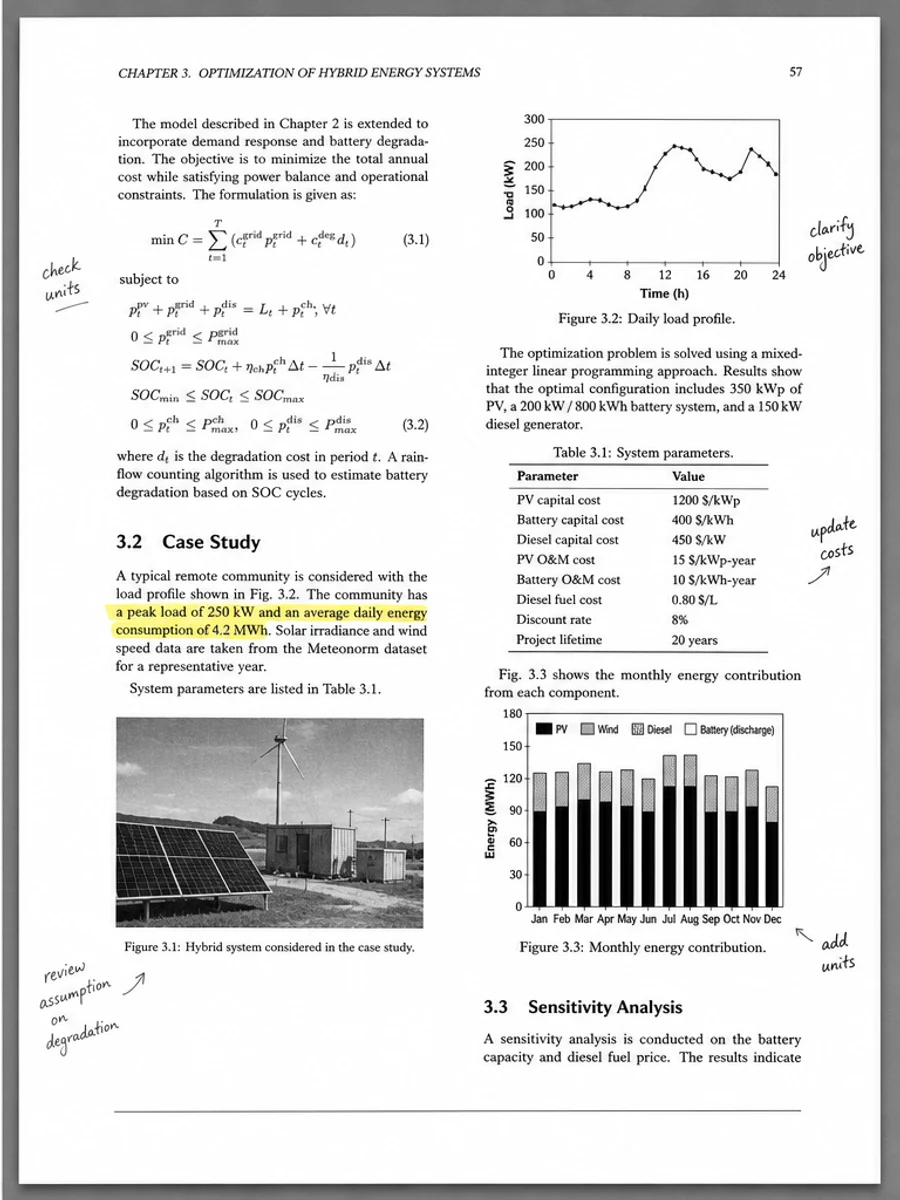
Reduce copier haze, yellow paper cast, and gray scanner background without washing out thin document lines.
Darken light photocopies, old typewritten pages, pencil notes, and faded receipts while preserving the page structure.
Understand scanner exposure, paper tone, compression, photocopy generation loss, and phone lighting problems.
Learn the difference between image-based scanned PDFs and OCR PDFs before choosing cleanup or text extraction.
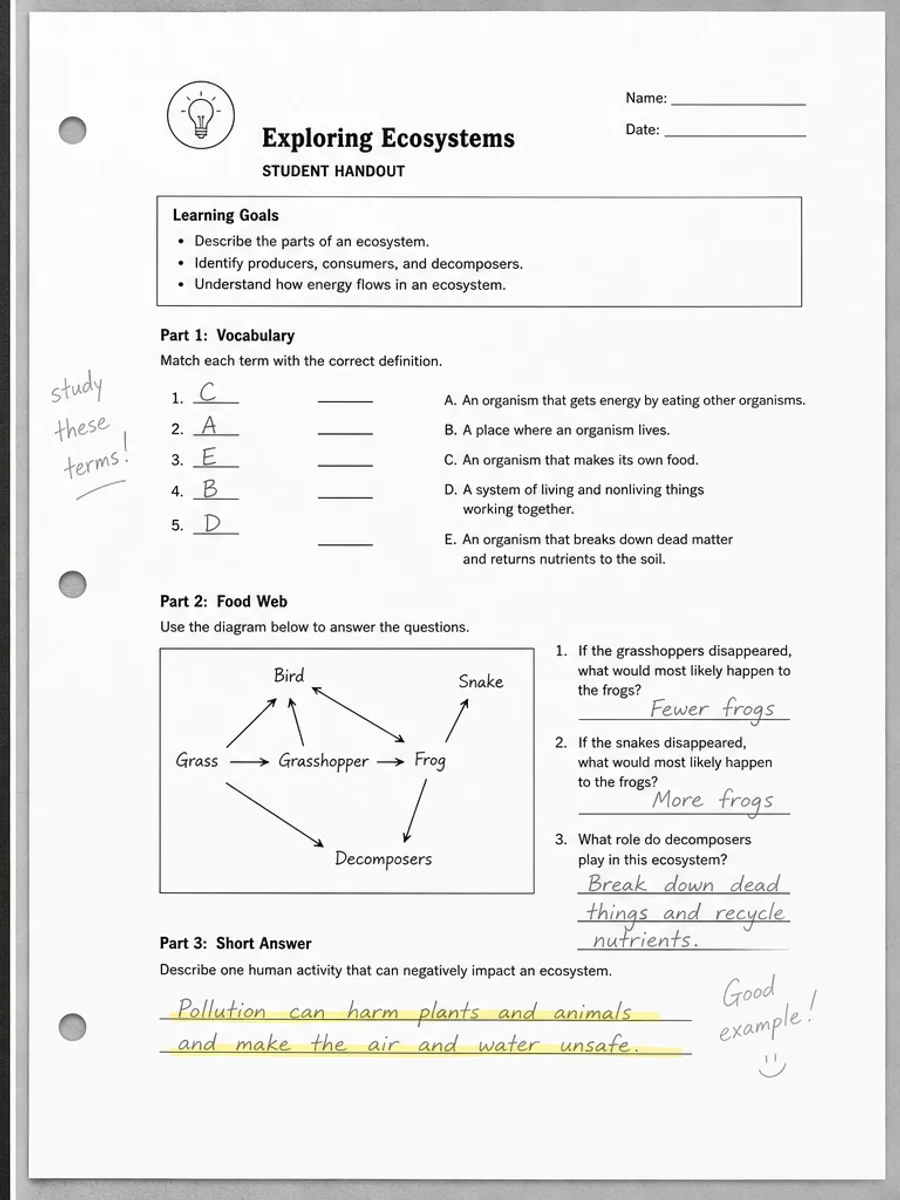
Clean black borders, copier haze, punched-edge shadows, feeder streaks, fold marks, and dirty photocopied pages.
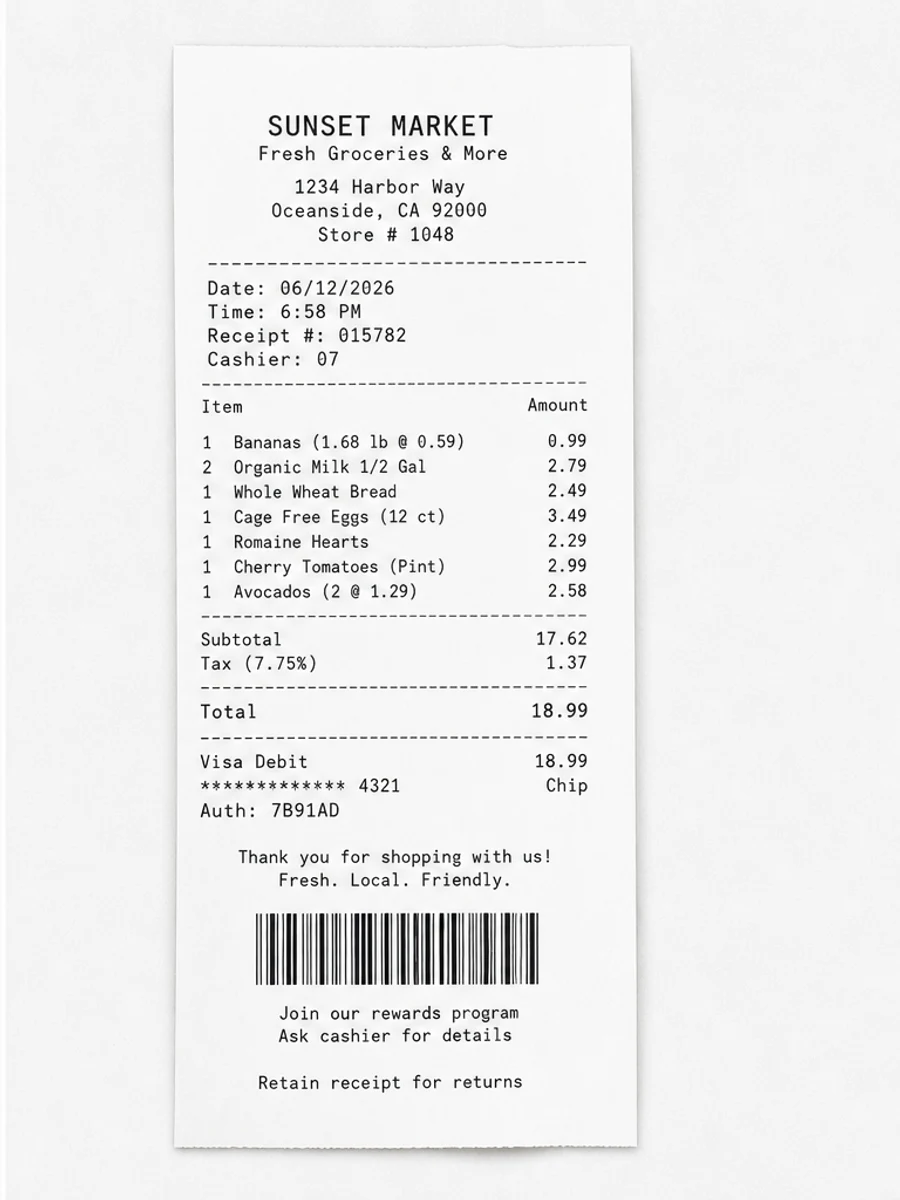
Improve faded thermal receipts, handwritten forms, intake sheets, shadows, wrinkles, smudges, and phone captures.
Prepare scanned pages for OCR by improving contrast, reducing gray backgrounds, straightening pages, and reviewing results.
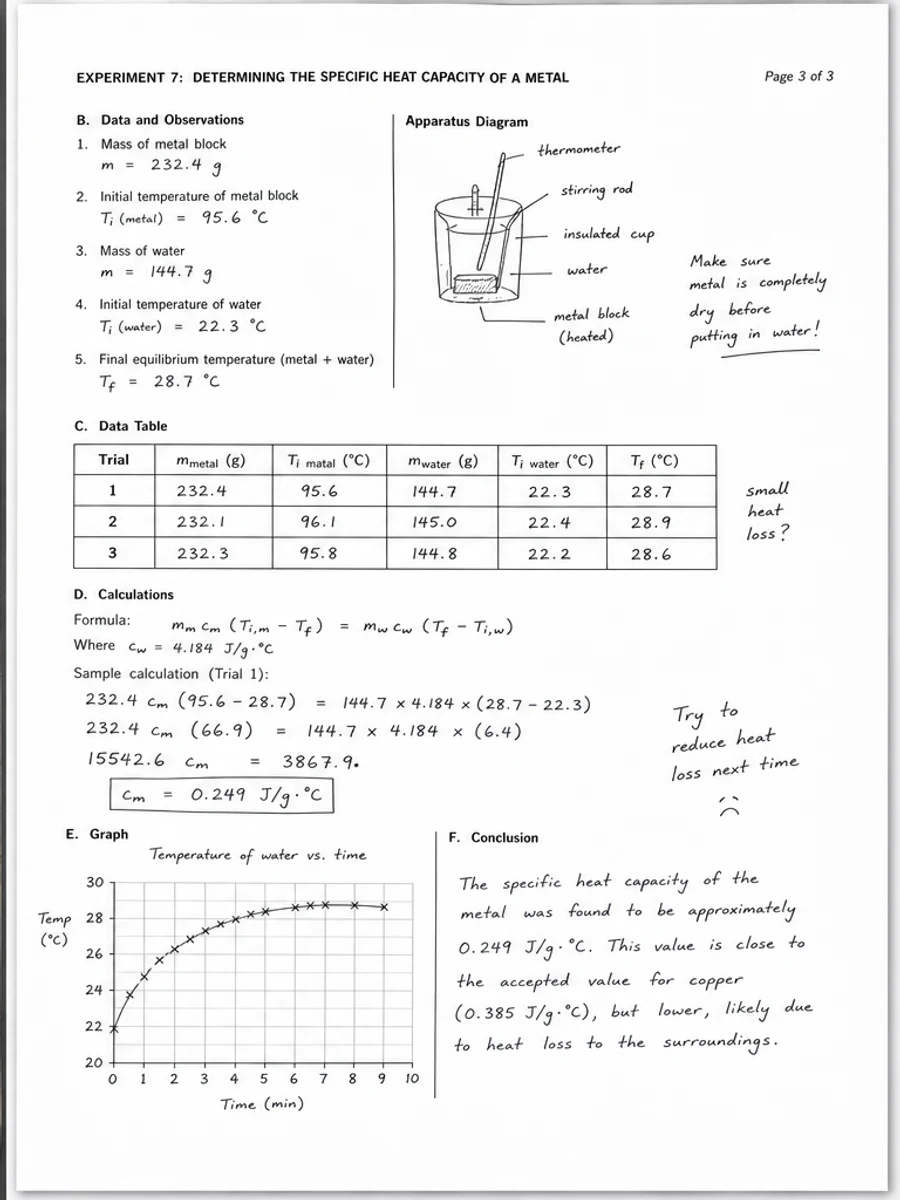
Fix phone-scanned PDF pages with shadows, angled perspective, blur, curled paper, and uneven lighting.
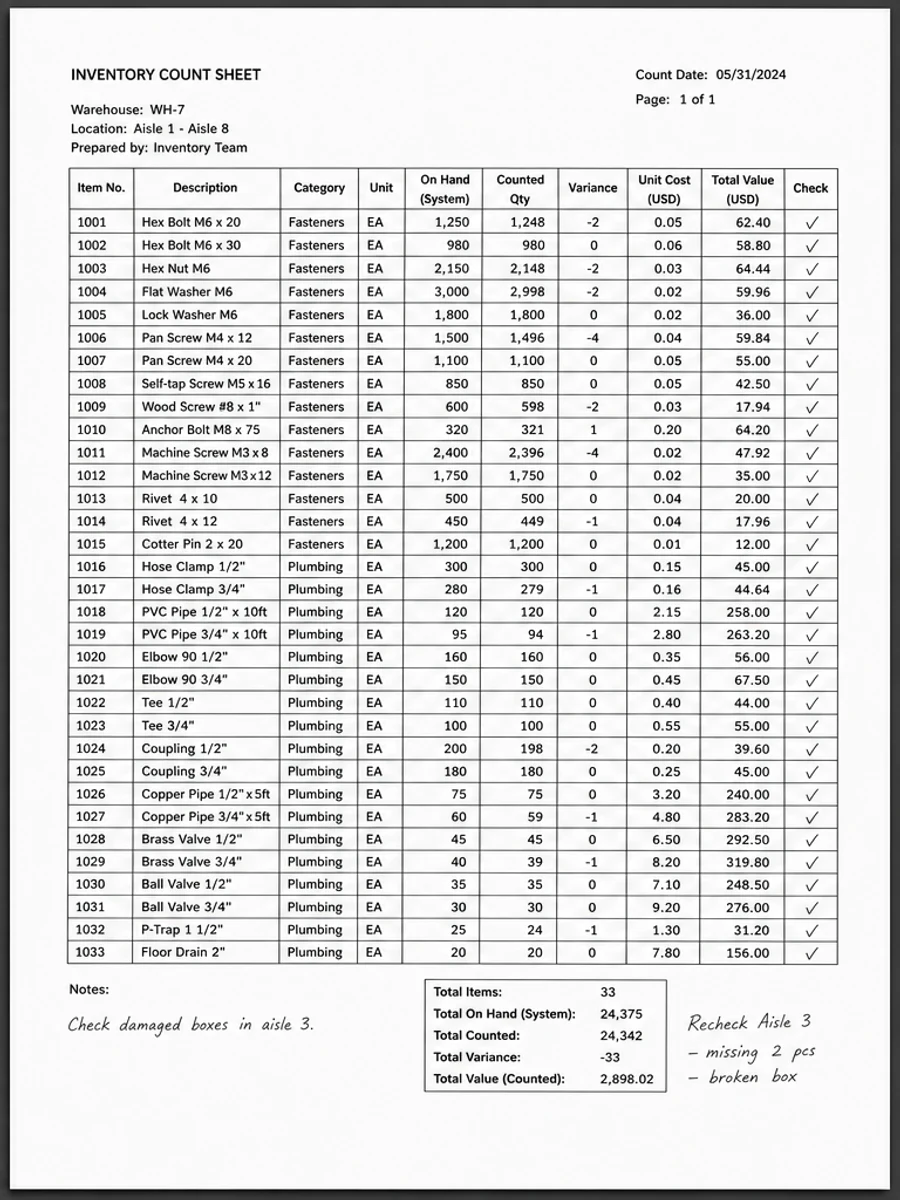
Clean scanned tables while preserving row alignment, column structure, tiny numbers, grid lines, and handwritten marks.
Improve archive scans with yellowing, foxing, water damage, weak type, fold creases, stamps, and fragile old paper.
Scan documents in a way that reduces shadows, blur, low contrast, gray backgrounds, and cleanup problems later.