Scanned PDF example

Fix a faded scanned PDF page

Darken weak scanned text, reduce background noise, and make a faded scanned PDF easier to read without changing the page layout.
Upload scanned PDF

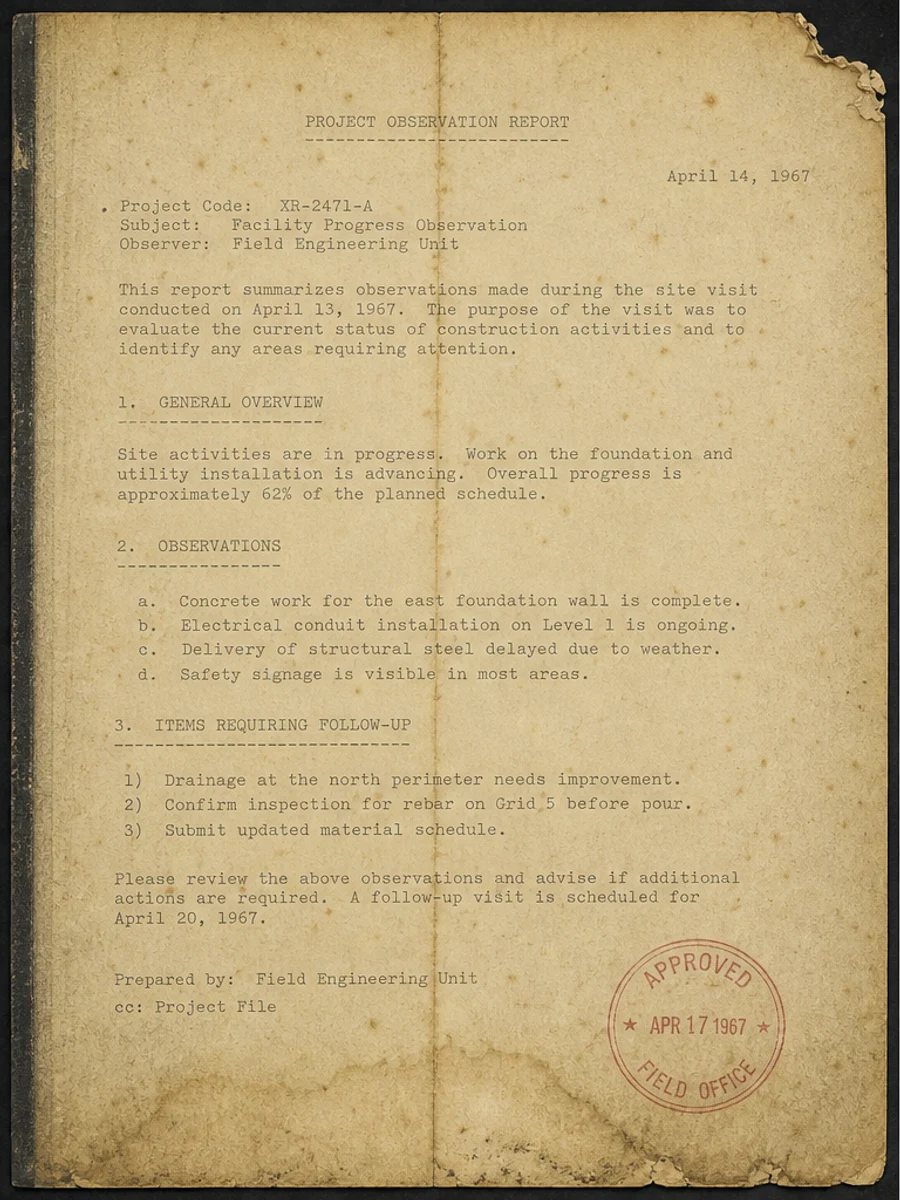
Before: The original scan has weak text, uneven paper tone, and details that are hard to read without zooming.
Before
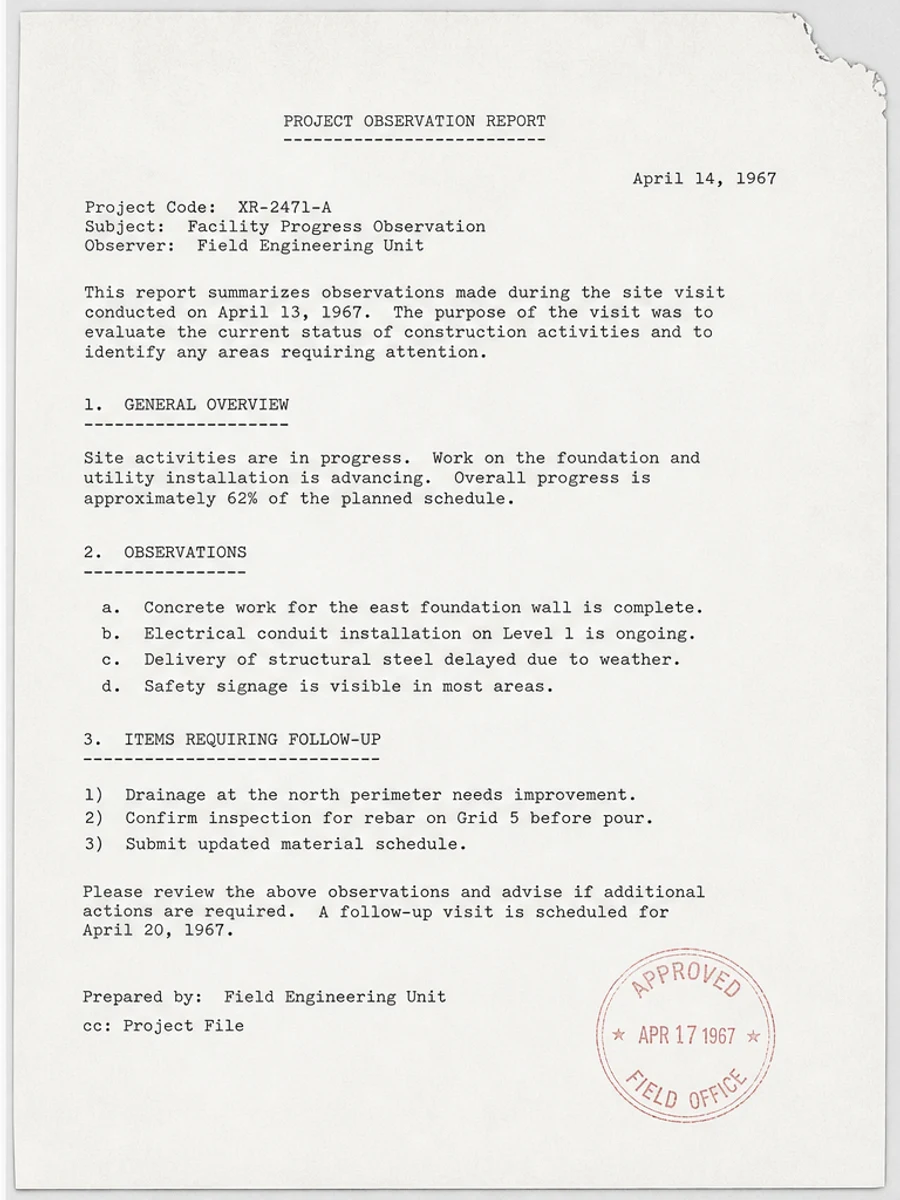
After: Darker text, Cleaner paper background, Reduced fold and scanner noise, More readable page image
After

Original scan problem

The original scan has weak text, uneven paper tone, and details that are hard to read without zooming.

What improved

  • Darker text
  • Cleaner paper background
  • Reduced fold and scanner noise
  • More readable page image

Best for

  • Old letters
  • Light photocopies
  • Pencil notes
  • Faded typewritten pages

Not for

  • Legal evidence that must remain untouched
  • Pages where source text is missing
  • OCR-only conversion workflows

Recommended prompts

  • Darken the faded text, reduce the gray scanner background, clean shadows and stains, and keep the original layout unchanged.
  • Make this old scanned page easier to read by strengthening the text and reducing background noise without changing stamps or handwriting.
  • Apply a conservative cleanup: improve readability, reduce scanner artifacts, and preserve the original layout, handwriting, stamps, tables, and marks.

FAQ

Can RedesignPDF help with fix a faded scanned pdf page?

Yes, when the page is a scanned or image-based PDF and the goal is visual readability cleanup. Review the result before export.

Will this create selectable OCR text?

No. RedesignPDF improves the visible page image. Use OCR separately if you need searchable or selectable text.

What should I check before exporting?

Check important text, numbers, dates, handwriting, stamps, tables, and any details that must stay accurate.