
How to make a scanned PDF easier to read
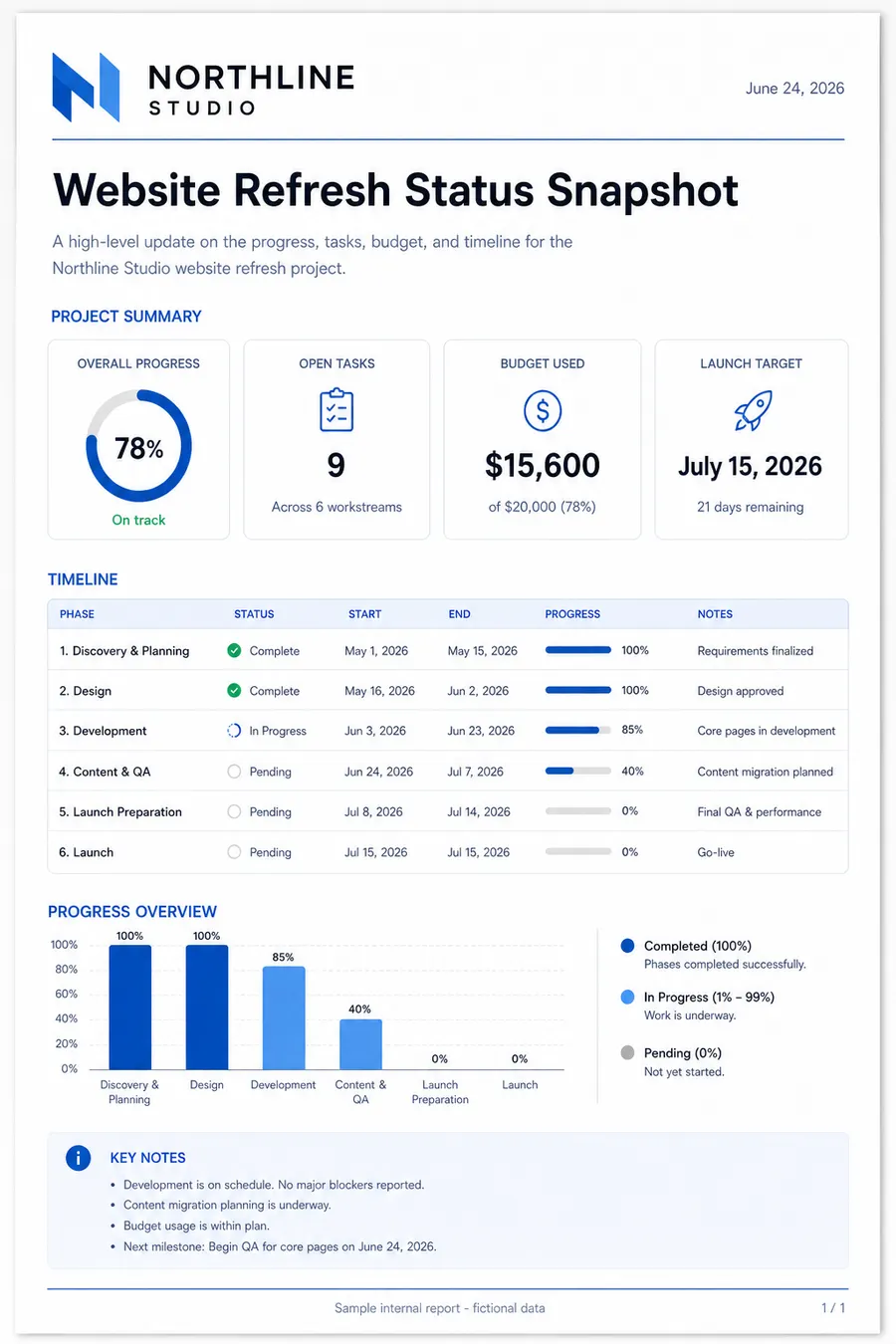
Diagnose faded text, gray backgrounds, phone shadows, and low contrast scans before choosing rescan, visual cleanup, or OCR.
Read Blog articleUpload a PDF, describe the visual change, and preview a new version before you export.
PDF visual tools
Choose an open-ended visual edit or a guided scanned-PDF cleanup workflow.
Blog
Tutorials and explainers for scanned PDF cleanup, OCR preparation, phone scans, gray backgrounds, and faded text.
Diagnose faded text, gray backgrounds, phone shadows, and low contrast scans before choosing rescan, visual cleanup, or OCR.
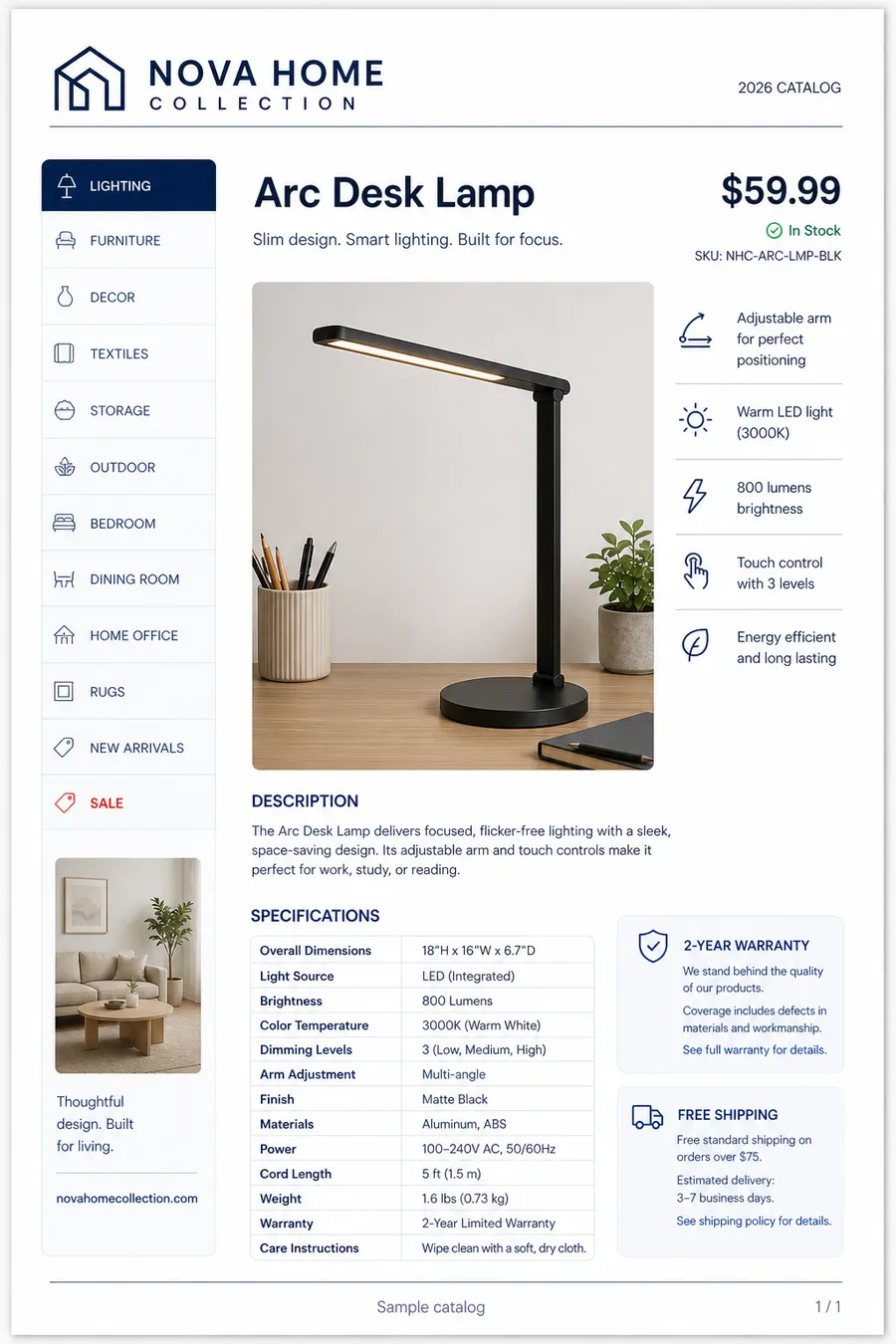
Read Blog articleReduce copier haze, yellow paper cast, and gray scanner background without washing out thin document lines.
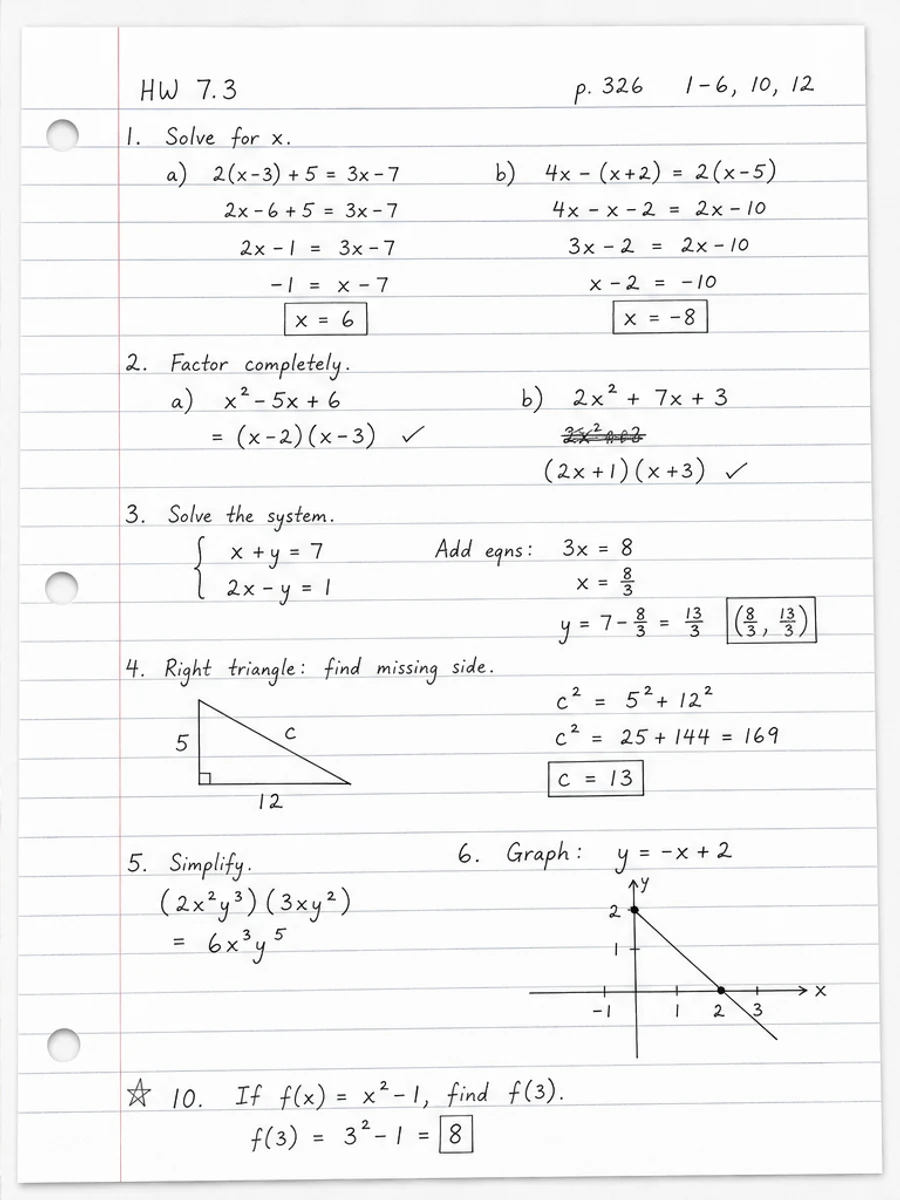
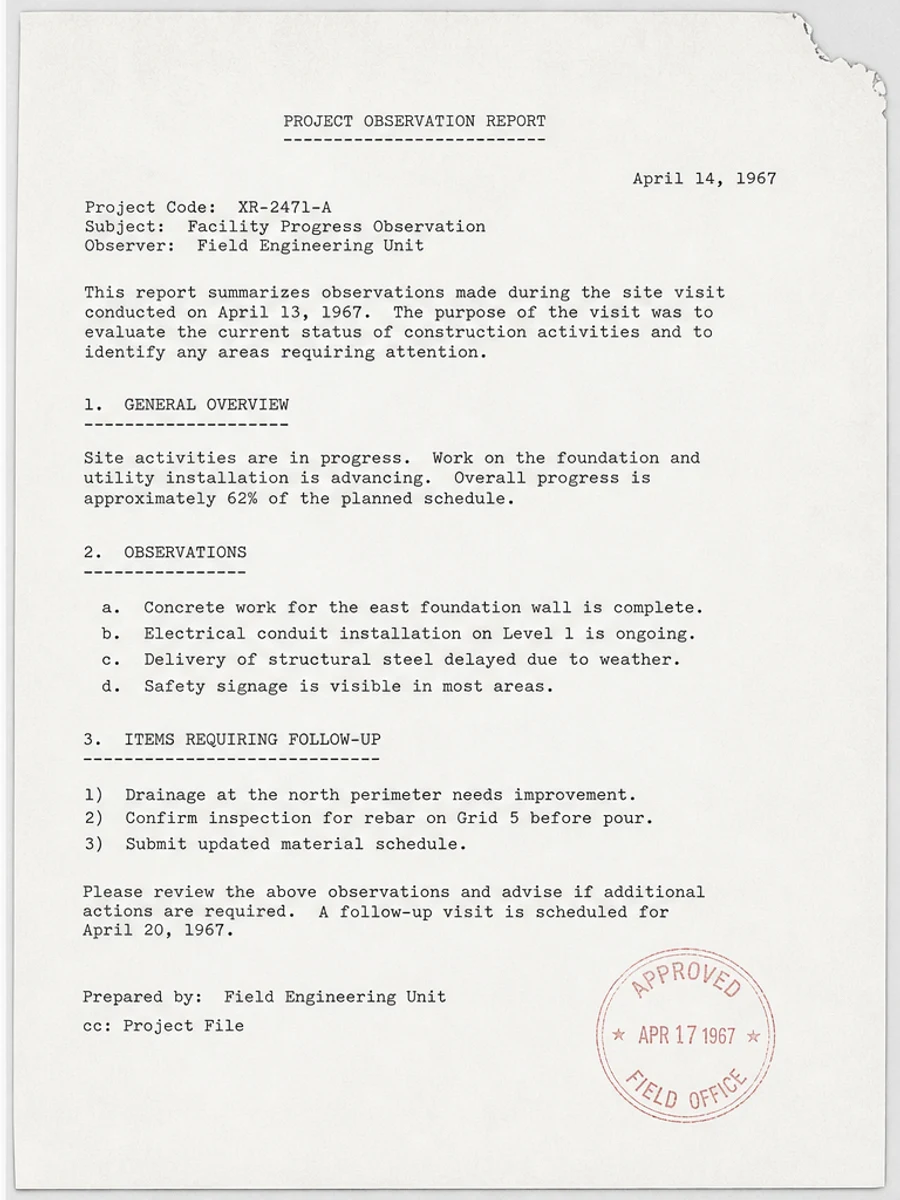
Read Blog articleDarken light photocopies, old typewritten pages, pencil notes, and faded receipts while preserving the page structure.
Read Blog articlePricing
Use credits to generate redesigned page previews, including guided scanned-page cleanup. Uploading and previewing the original file do not use credits.
20 credits / month, 2 credits/page standard generation, no AI Enhanced.
$0View plans400 credits / month, 2 credits/page standard generation, 10 credits/page AI Enhanced.
$9.99/moView plans1000 credits / month, 1 credit/page standard generation, 8 credits/page AI Enhanced.
$19.99/moView plans3000 credits / month, 1 credit/page standard generation, 6 credits/page AI Enhanced.
$49.99/moView plansFAQ
RedesignPDF is for page-level visual changes: redesigning layouts, updating visible content and branding, replacing images, and cleaning scanned pages.
No. RedesignPDF does not directly edit the original PDF text layer, form fields, vector objects, or structured PDF objects. It generates a new page image from your instruction.
Yes. The visual editor keeps the prompt editable. Guided tools such as scanned-PDF cleanup use a fixed prompt so the workflow stays focused.
Yes. Review the generated page beside the original before applying the direction to more pages or exporting.
Yes. RedesignPDF is built for common scanned PDF cleanup tasks such as gray backgrounds, phone shadows, stains, noise, faded text, and low contrast pages.
Yes. You can preview the PDF, select individual pages, and generate only the pages you want to update.
No. The exported PDF is image-based, so text is not selectable or searchable.
Brochures, menus, handouts, sales PDFs, flattened pages, image-based PDFs, and scanned documents work best.
No. Acrobat and OCR tools are better for text-layer editing, searchable PDFs, forms, comments, and precise document workflows. RedesignPDF is for visual scanned-page cleanup.
Credits are used only after a successful AI page generation. Standard generation uses 2 credits/page on Free and Basic, and 1 credit/page on Plus and Pro. AI Enhanced uses 10 credits/page on Basic, 8 credits/page on Plus, and 6 credits/page on Pro. Uploading a PDF, choosing a page, uploading a reference image, deleting or restoring pages, and exporting do not use credits.
Use caution. RedesignPDF can process page images, but official documents contain important information. Only process documents you have the right to handle, and review text, amounts, dates, and layout before exporting or sharing.