Scanned PDF example

Enhance an academic paper scan

Improve dense academic paper scans with small text, formulas, figures, charts, scanner edges, and gray backgrounds.
Upload scanned PDF

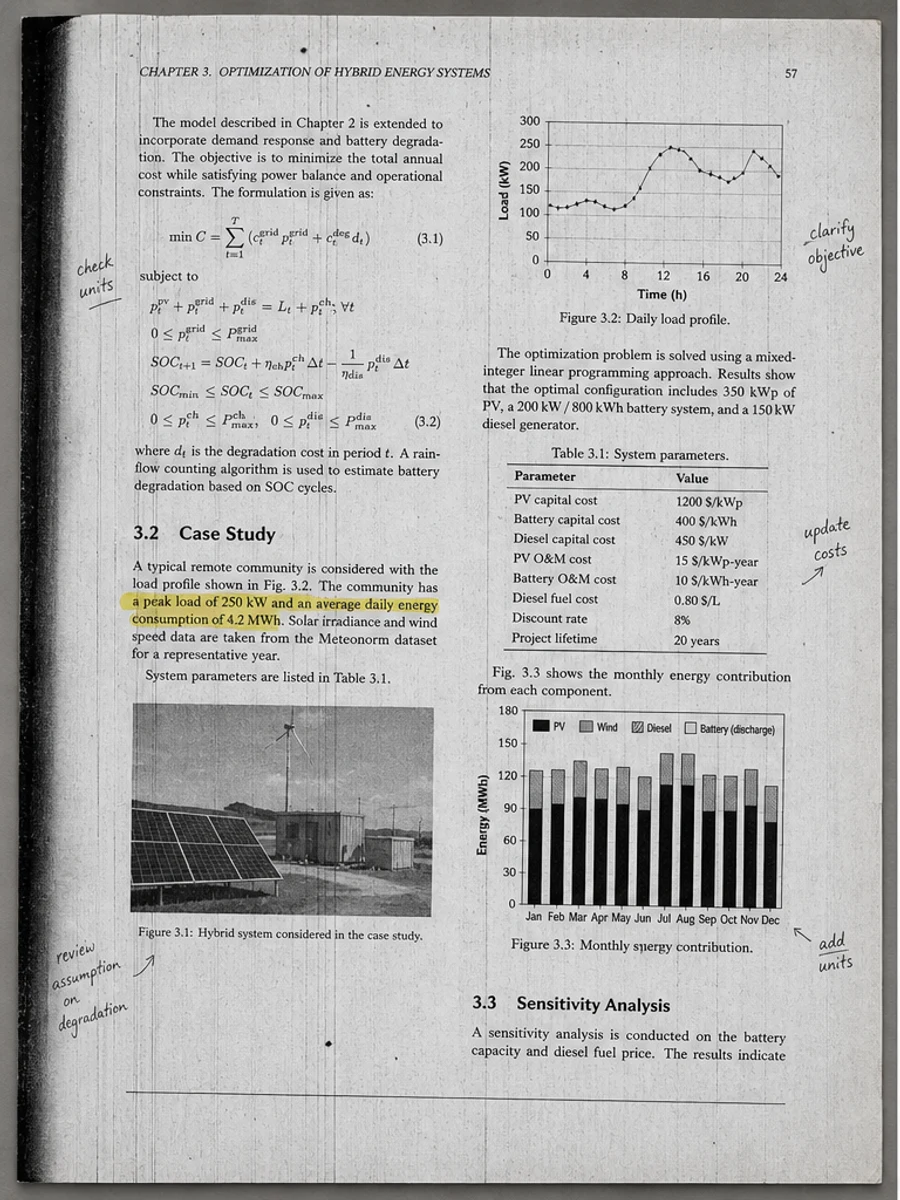
Before: Dense columns, formulas, figures, and notes are weakened by scanner edge artifacts and gray background.
Before
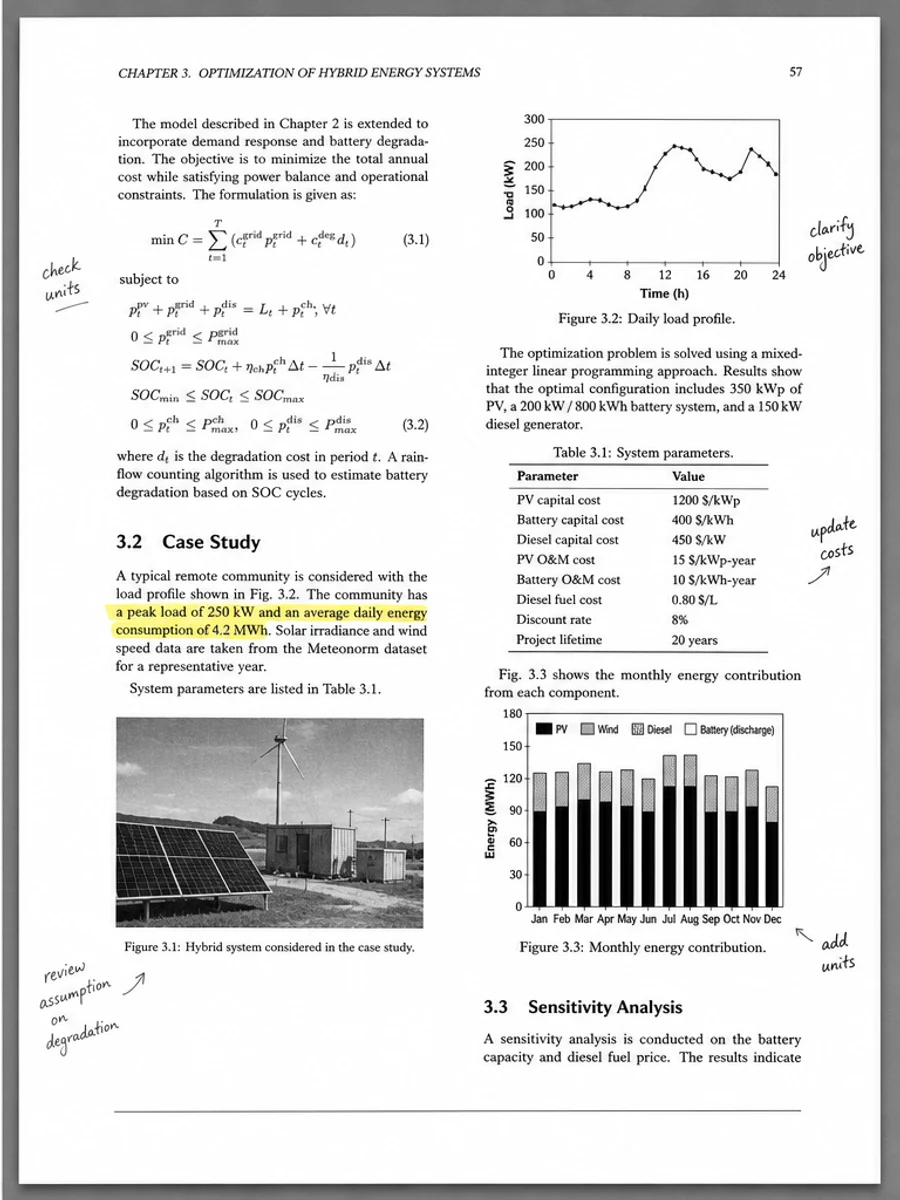
After: Sharper text, Clearer formulas, Cleaner chart areas, Preserved handwritten notes
After

Original scan problem

Dense columns, formulas, figures, and notes are weakened by scanner edge artifacts and gray background.

What improved

  • Sharper text
  • Clearer formulas
  • Cleaner chart areas
  • Preserved handwritten notes

Best for

  • Research papers
  • Photocopied articles
  • Class readings
  • Archive scans

Not for

  • Citation extraction
  • Guaranteed OCR accuracy
  • Replacing source PDFs

Recommended prompts

  • Clean this academic paper scan, remove scanner edge and feeder streaks, reduce gray background, sharpen small text, formulas, charts, and figures, and preserve handwritten margin notes.
  • Improve readability on this scanned paper before OCR without changing the layout.
  • Apply a conservative cleanup: improve readability, reduce scanner artifacts, and preserve the original layout, handwriting, stamps, tables, and marks.

FAQ

Can RedesignPDF help with enhance an academic paper scan?

Yes, when the page is a scanned or image-based PDF and the goal is visual readability cleanup. Review the result before export.

Will this create selectable OCR text?

No. RedesignPDF improves the visible page image. Use OCR separately if you need searchable or selectable text.

What should I check before exporting?

Check important text, numbers, dates, handwriting, stamps, tables, and any details that must stay accurate.