Scanned PDF example

Clean a handwritten form scan

Improve angled, shadowed, smudged, or blurry handwritten form scans while preserving the original handwriting.
Upload scanned PDF

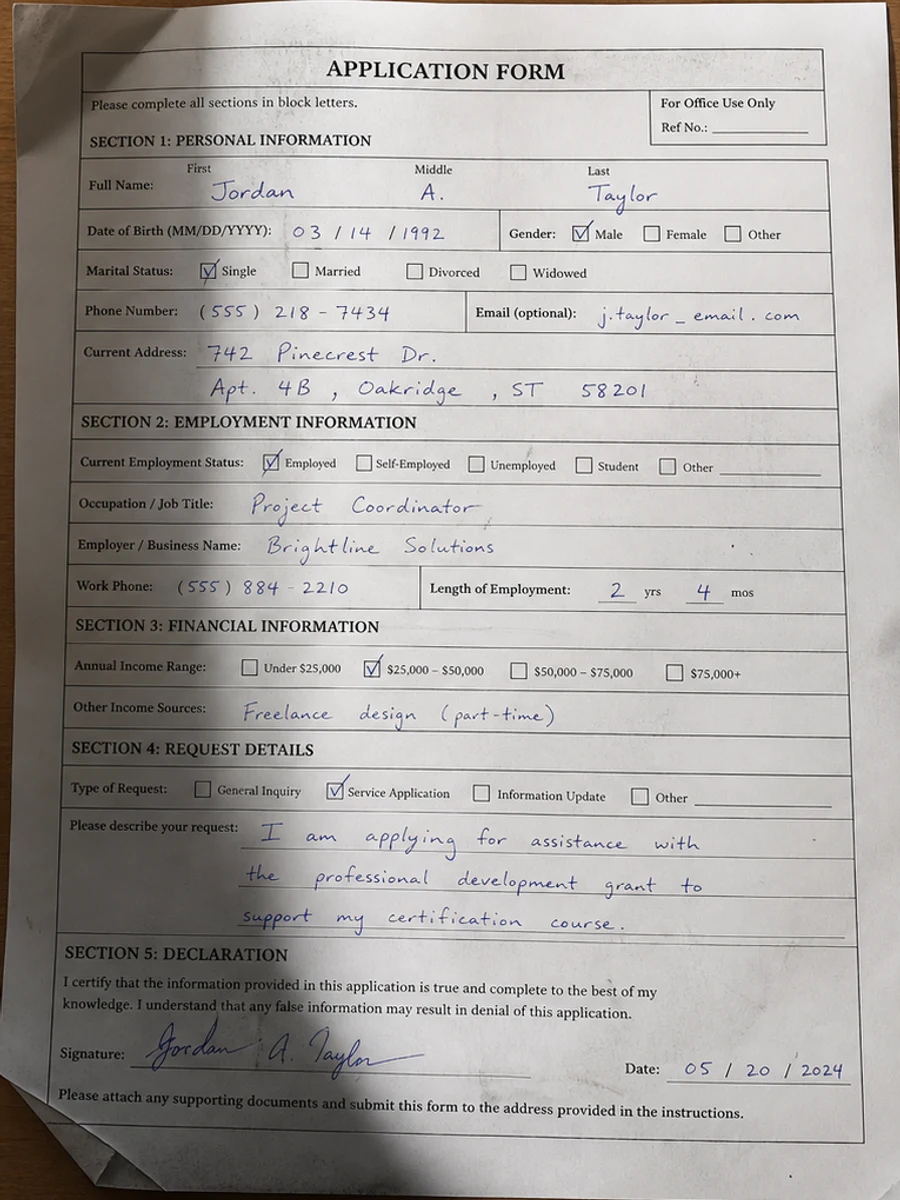
Before: A handwritten form is angled, shadowed, smudged, and slightly blurred.
Before
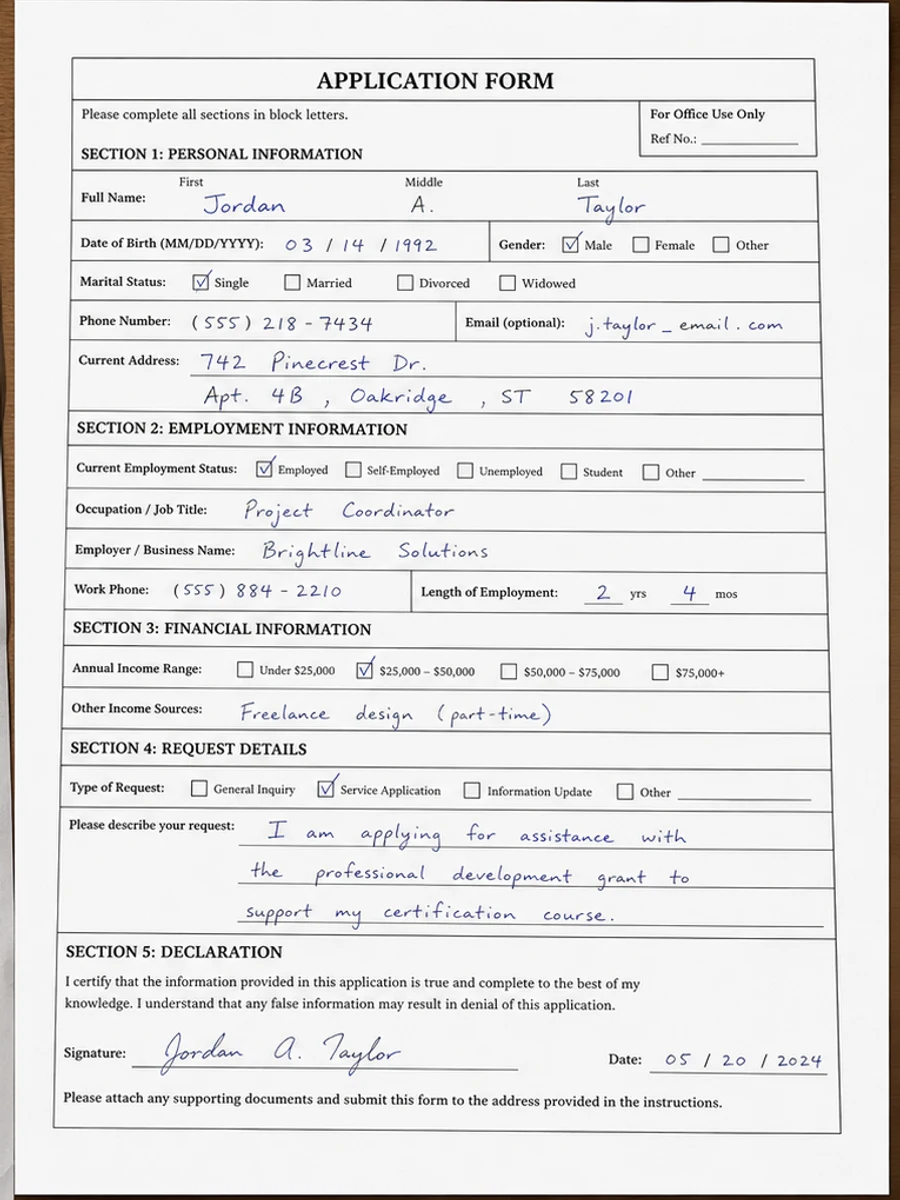
After: Straighter form, Clearer handwriting, Cleaner paper, Reduced side shadows
After

Original scan problem

A handwritten form is angled, shadowed, smudged, and slightly blurred.

What improved

  • Straighter form
  • Clearer handwriting
  • Cleaner paper
  • Reduced side shadows

Best for

  • Applications
  • Intake forms
  • Handwritten notes
  • Signed worksheets

Not for

  • Handwriting recognition
  • Structured data extraction
  • Illegible writing

Recommended prompts

  • Correct perspective, brighten the paper, sharpen handwriting and printed boxes, reduce side shadows and smudges, and keep all form fields aligned.
  • Clean this handwritten form scan while preserving the original handwriting.
  • Apply a conservative cleanup: improve readability, reduce scanner artifacts, and preserve the original layout, handwriting, stamps, tables, and marks.

FAQ

Can RedesignPDF help with clean a handwritten form scan?

Yes, when the page is a scanned or image-based PDF and the goal is visual readability cleanup. Review the result before export.

Will this create selectable OCR text?

No. RedesignPDF improves the visible page image. Use OCR separately if you need searchable or selectable text.

What should I check before exporting?

Check important text, numbers, dates, handwriting, stamps, tables, and any details that must stay accurate.